
Advanced DICOM Viewer
A professional, browser-based medical image viewer built into the ImagiXAI platform — open, inspect, annotate, and analyse X-ray, CT, and MRI studies directly in the browser, with no extra software to install.
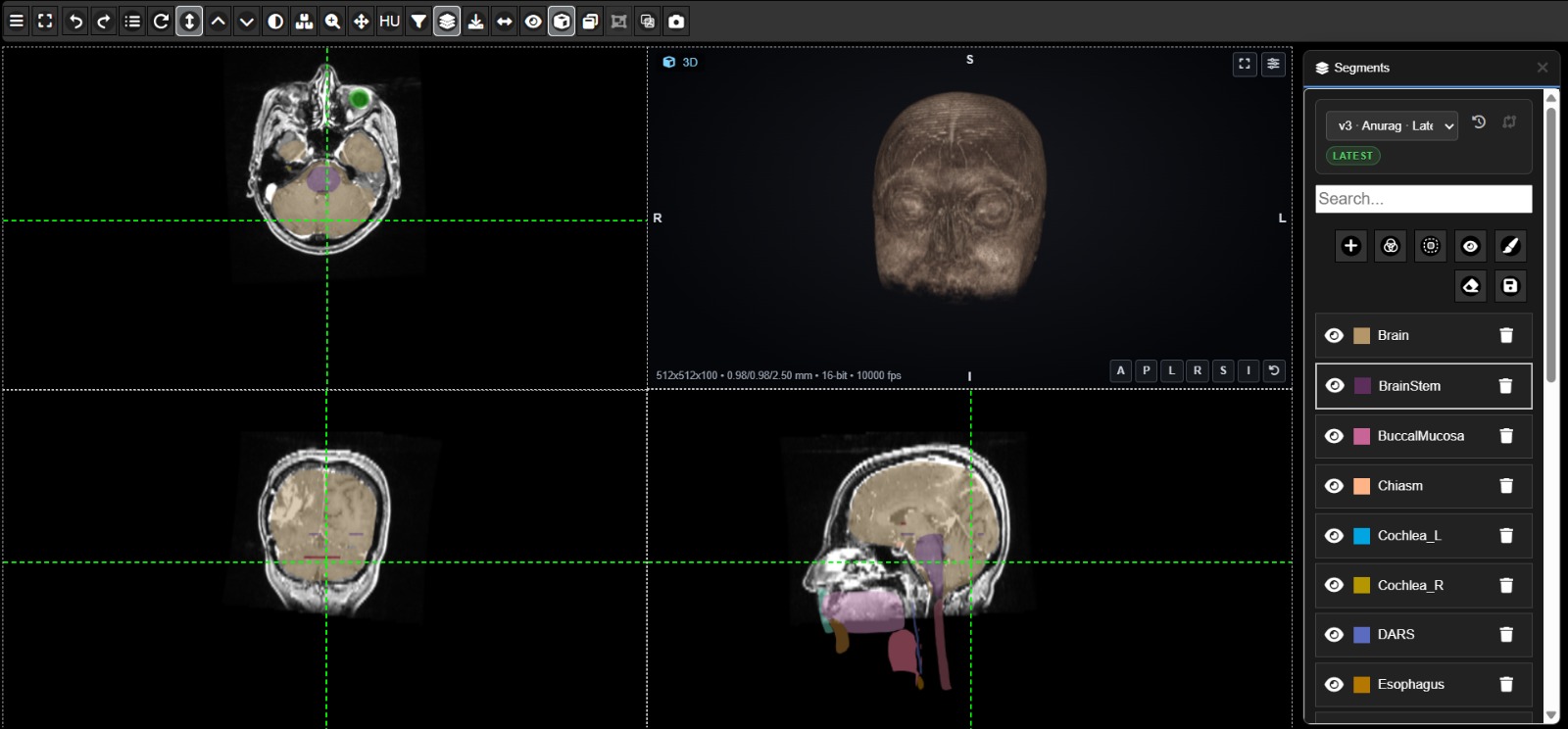
A full diagnostic workspace, in one browser tab
Advanced DICOM Viewer gives radiologists, doctors, and technicians a complete toolset for viewing, measuring, segmenting, and reporting on medical images — without switching to separate desktop software. It opens Digital Radiography, CR, CT, MRI, PACS scan, and other DICOM modalities directly in the browser.
It's built directly into the ImagiXAI platform, so a study opens straight into a full set of measurement, annotation, segmentation, and reporting tools, all in the same window.
Advanced DICOM features
From a first look at a scan to a finished, downloadable report.

Annotation
Draw shapes and freehand notes right on the image. They save automatically and show up in a simple list.

Contouring
Draw and colour outlines with brush and eraser tools, and merge or split them whenever you need to.

Volume Rendering
Turns a CT or MRI scan into a 3D model you can rotate and view from any angle.
Image Registration
Lines up a CT and MRI scan from the same patient so you can compare them side by side.
X-ray Stitching
Joins an upper and lower X-ray into one long image, like a full spine, that you can download.

HU Statistics
Circle any area on the scan to instantly see its average, highest, and lowest values.
Magnify Tool
Zoom into a small area with a movable lens while the full image stays in view, so you can check fine details without losing your place.
Compare Versions
Compare two contour versions, such as the AI's original and the final edited one, using Difference, Contours, Swipe, or Blink views. See which slices and segments changed, with volume and overlap measurements for each.
Interpolation
Draw the structure on a first slice and again on a later one, and interpolation automatically fills in the slices between them. This cuts down manual contouring time.
DICOM Toolbar
Click a dot on the toolbar to see what each one does.
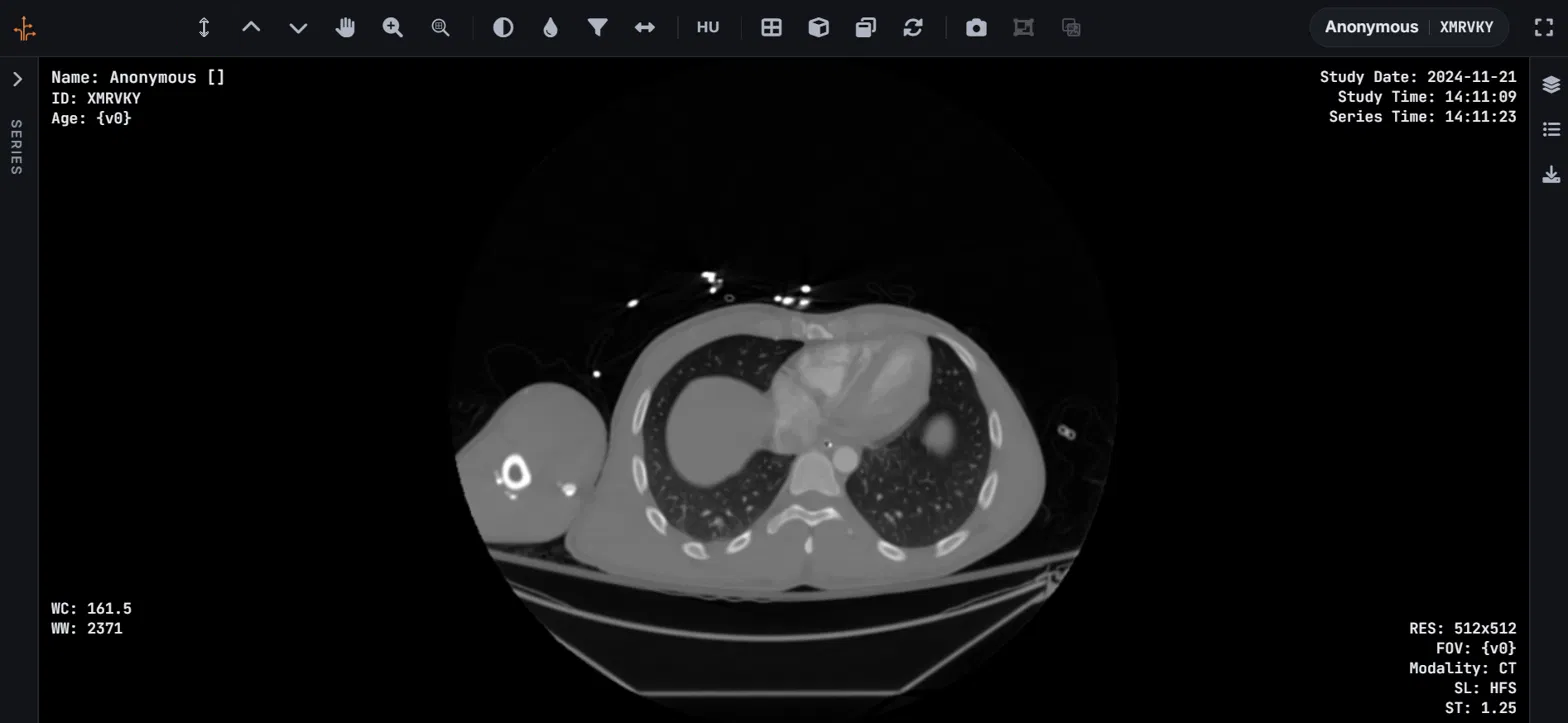
Zoom & Pan
Magnify any region and move around the image without losing your place.
See Advanced DICOM Viewer on your own studies
Book a short demo and we'll walk through it with your team.
Book a Demo